End-to-end design of a tool to create masked emails to protect user privacy – from discovery and testing to interface design, illustration, and motion design.
Overview
NordPass is a secure password manager built by the team behind NordVPN. It lets users store, autofill, and manage passwords and personal data with full encryption.
Email Masking is one of its key features—allowing users to create anonymous email addresses that forward messages to their real inbox, keeping it private and protected from spam.
Goal
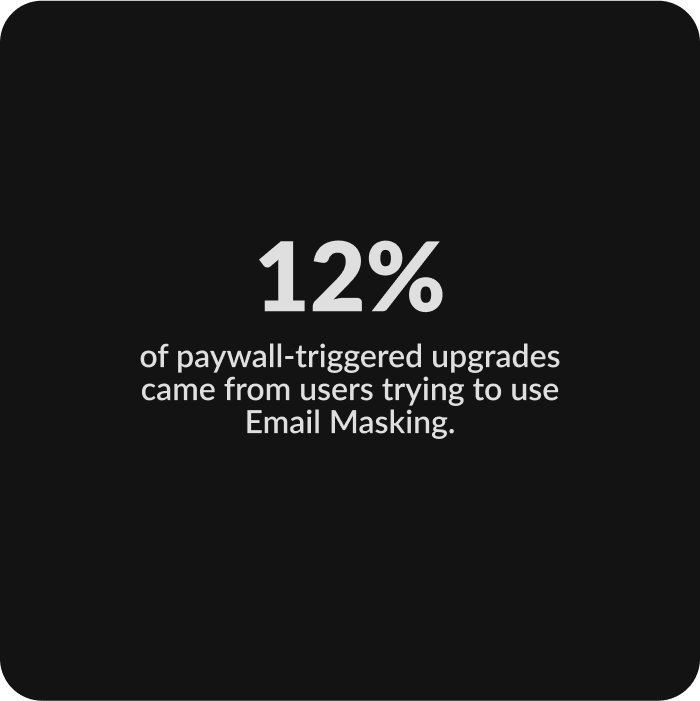
Boosting NordPass premium value with a simple and effective privacy tool
The goal was to expand NordPass’s role beyond password management, giving users a reason to return regularly while increasing trust and adding value to the Premium plan.
Solution
A cross-platform solution to protect user’s inbox and keep their real email private
Launched in 2024 on desktop, iOS, and Android, Email Masking lets users create unique email addresses for each sign-up. They can turn forwarding on or off anytime to avoid spam or block unwanted senders.
Walkthrough
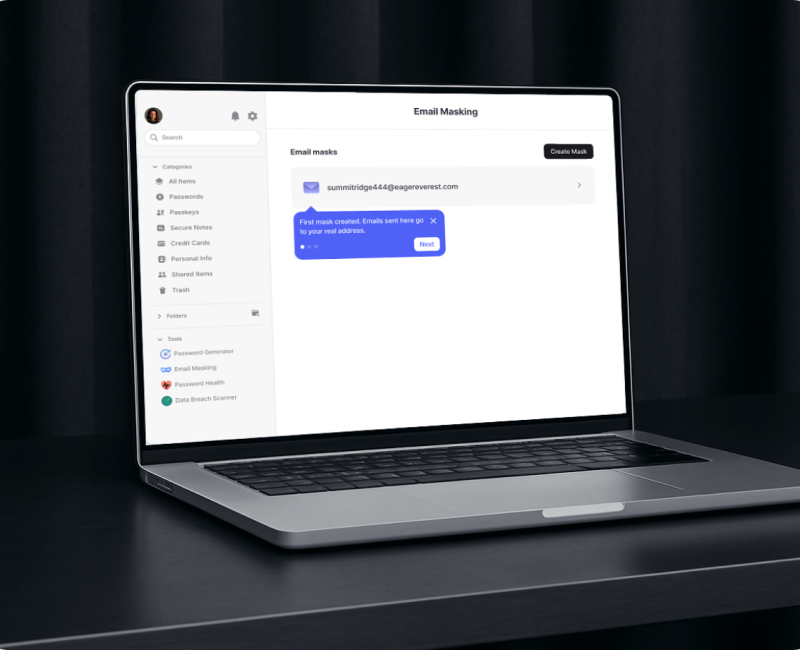
To help users get started, we designed a quick walkthrough after they create their first email mask.
Challenge
Helping users understand the value of email masks without overwhelming them
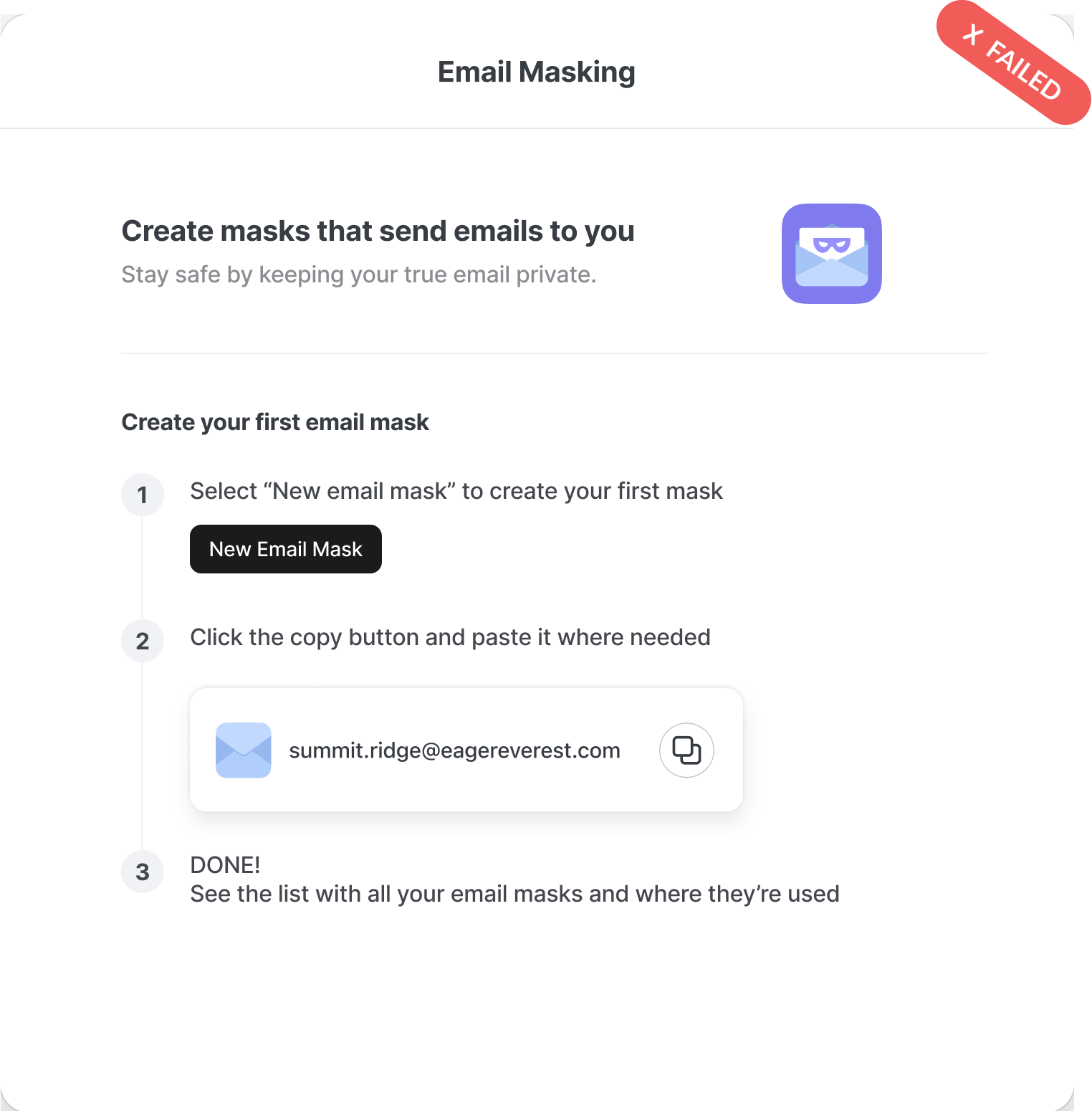
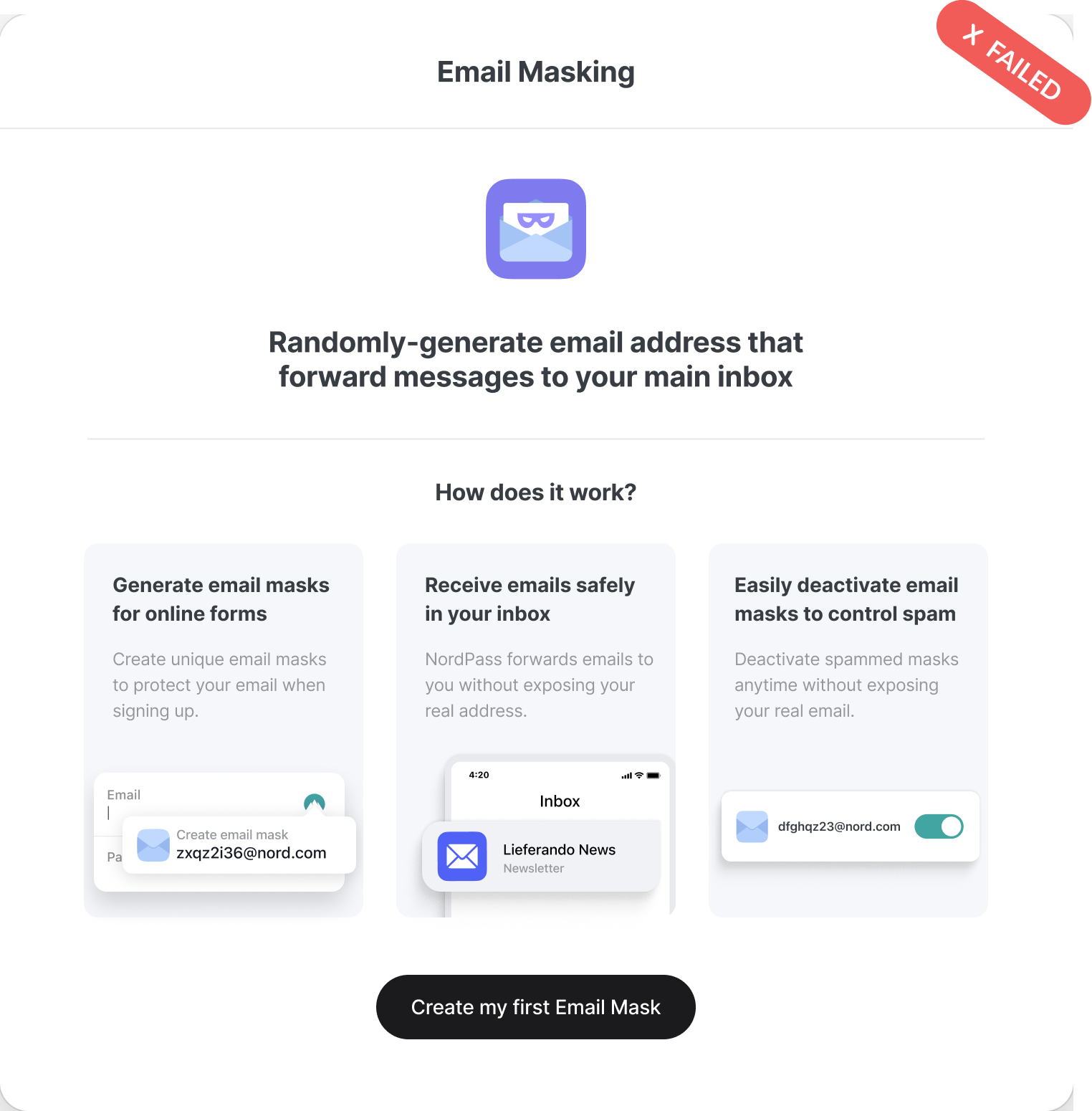
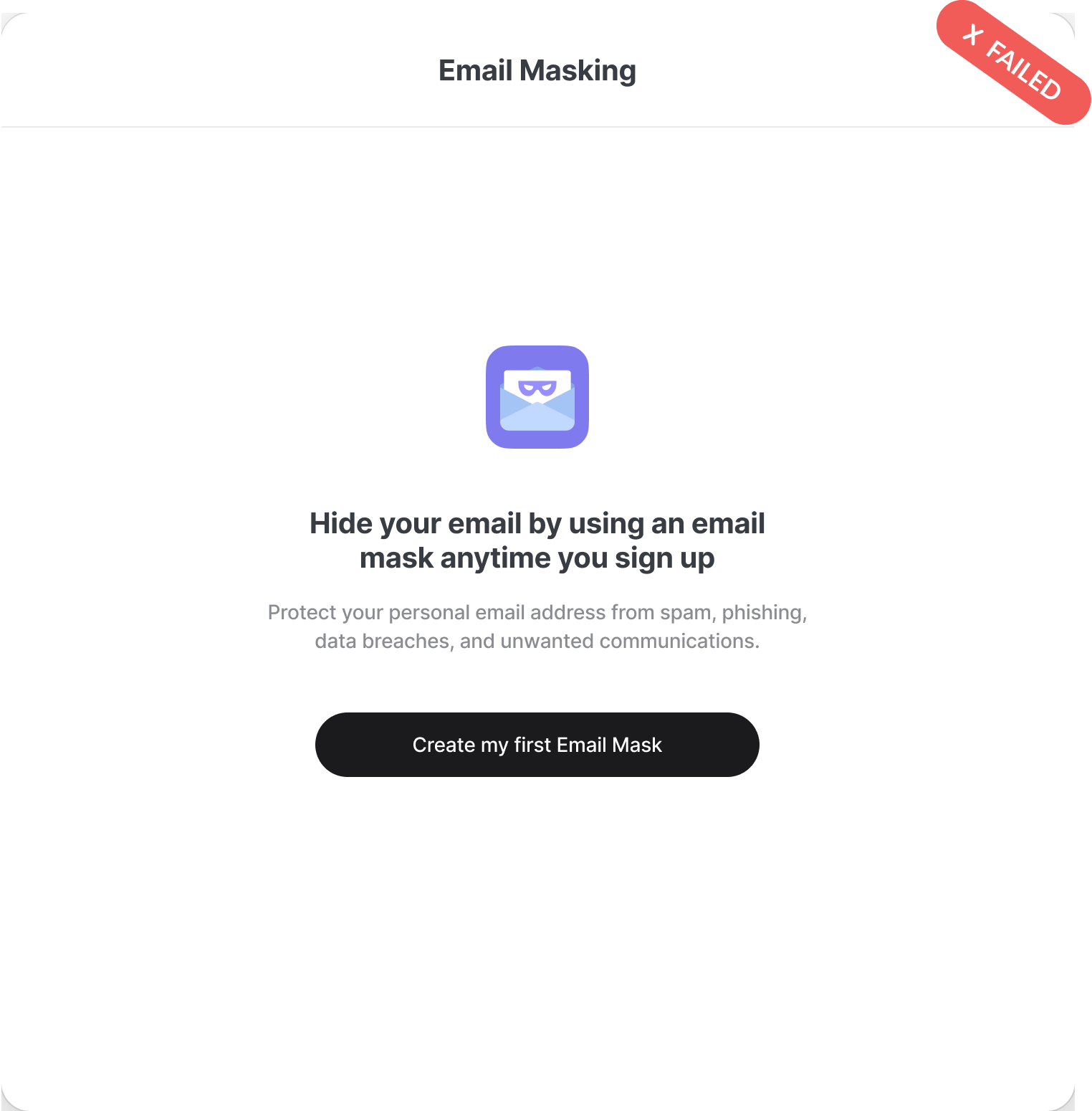
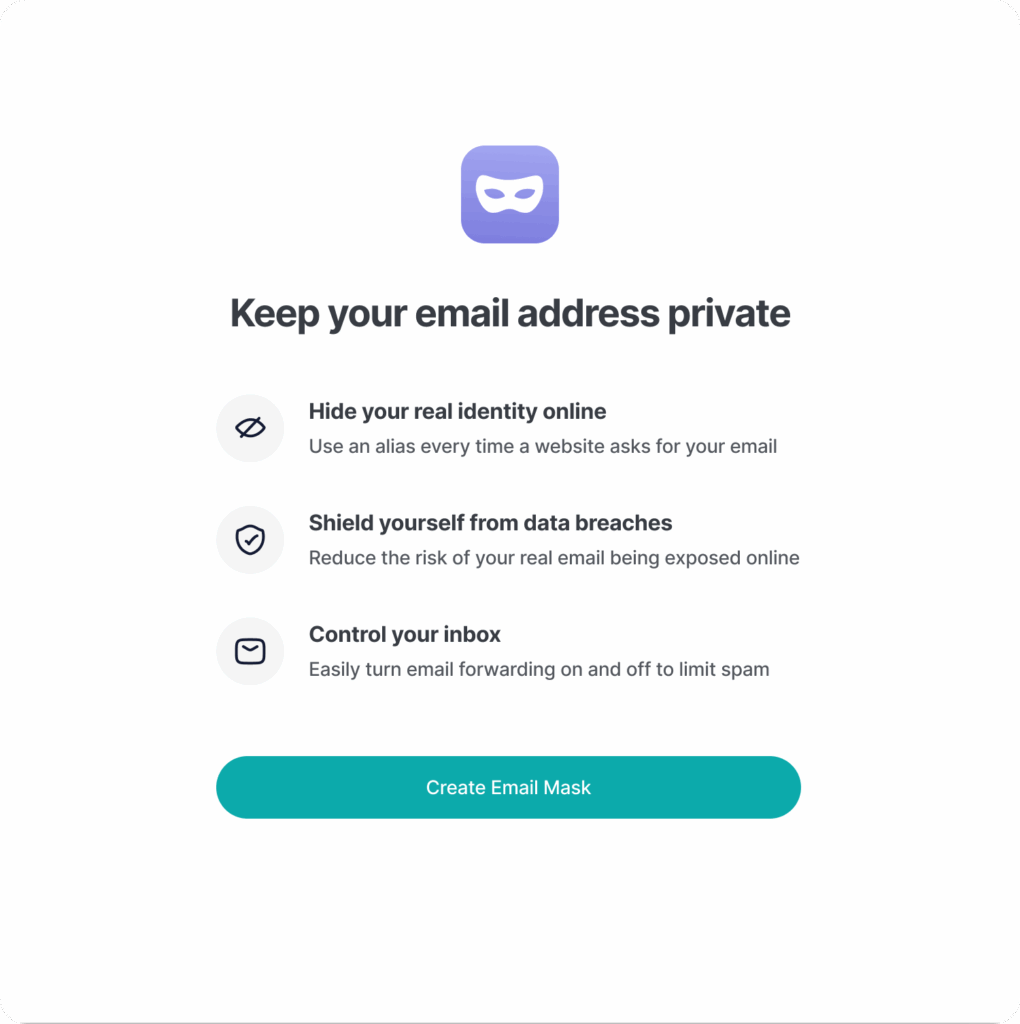
The challenge was explaining Email Masking clearly in a single onboarding screen. Even after testing multiple versions, users struggled to get it. Simplifying the screen and adding a step-by-step walkthrough made it easier to understand—and users responded well.
Onboarding screens that failed in user testing
Final Onboarding Screen
The final onboarding screen, paired with the in-feature walkthrough, helped users quickly grasp what an email mask is, how to create one, and where to use it. User testing confirmed this approach was effective.